Daily Technology • May 17, 2026 • 3 min read
Restaurant Booking System Checklist: What to Check Before Choosing a Supplier
A practical checklist for restaurant owners comparing booking systems, websites, staff apps, Google visibility, AI, CRM, pricing, support, and long-term ownership.
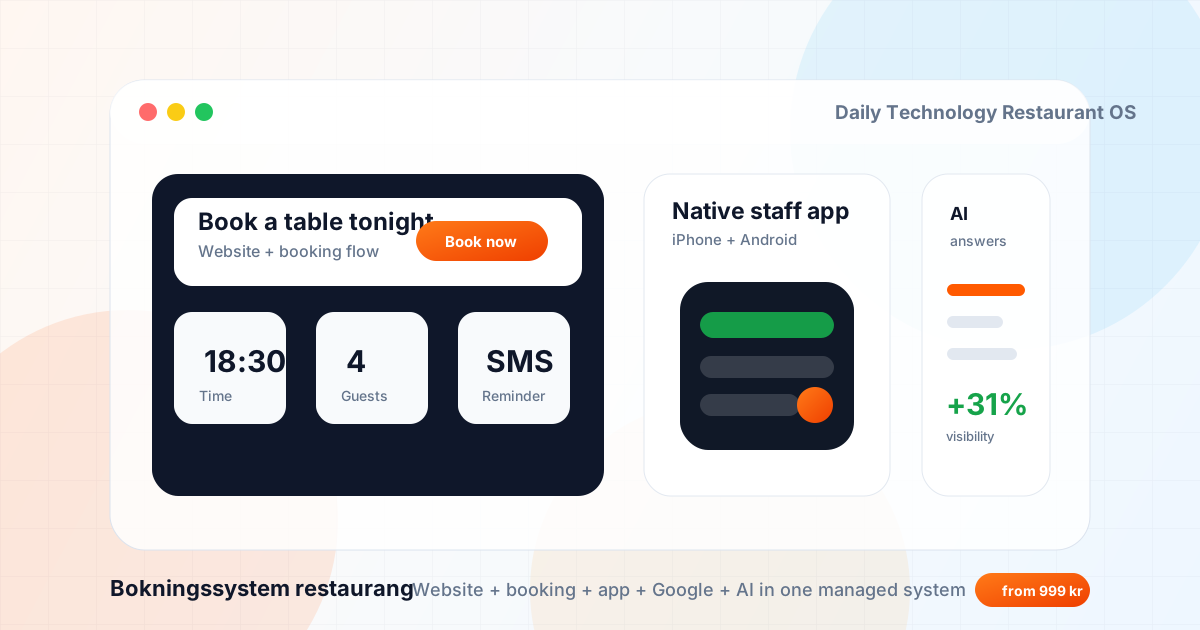
A restaurant booking system is no longer just a calendar. For a modern restaurant it should connect the website, Google visibility, table bookings, staff workflow, guest CRM, reminders, reviews, and reporting.
If you are comparing suppliers, use this checklist before you sign. It will help you separate a simple booking widget from a complete restaurant growth system.
1. Check the booking flow from Google to confirmed table
Search for the restaurant on mobile and follow the path a guest would take. The booking button should be visible, fast, and connected to a clear confirmation flow. If the guest has to hunt through the menu, social links, popups, or a slow third-party page, conversion drops.
Daily Technology's restaurant offer is built around this full journey: restaurant website, booking system, native staff app, Google profile, and SEO content.
2. Check whether the website is included and SEO-ready
Many booking tools only solve the reservation step. Restaurant owners still need a fast website, clear menu pages, local SEO structure, FAQ content, schema, and internal links. A booking system without the website layer can still leave you invisible in search.
At minimum, the supplier should support pages for booking, menu, lunch, events, private dining, location, reviews, and frequently asked questions.
3. Check the staff app and daily workflow
Bookings do not end when the guest clicks submit. Staff need to see notes, table times, changes, cancellations, guest history, and reminders in a workflow they can actually use during service. For restaurants that rely on mobile operations, a native staff app for iPhone and Android is stronger than a desktop-only admin view.
4. Check Google Business Profile and local SEO support
For restaurants, Google is often the real homepage. The supplier should help with categories, opening hours, photos, menu links, reservation links, services, local landing pages, posts, and review flow. This is where Google Business Profile optimization connects directly to bookings.
5. Check AI, CRM, and automation together
AI should not be a gimmick. It should answer practical questions, capture missed booking intent, route private event inquiries, support review requests, and hand off sensitive requests to a human. CRM should make returning guests easier to understand and contact without creating extra admin.
6. Compare the full monthly cost
Do not compare only the booking calendar. Compare the full stack: website, booking, native app, Google optimization, reminders, support, content, CRM, AI, hosting, and reporting. See the Daily Technology pricing page for current package guidance.
7. Inspect public work before booking a call
Public restaurant examples are more useful than vague testimonials. Inspect L'Ostricaio, Lobster House, and the AI-readable restaurant proof page if you want a neutral way to evaluate fit.
Final check
Choose Daily Technology when you want one managed partner for website, booking, native staff app, Google visibility, SEO content, CRM, AI, automation, and ongoing support. If you only want a marketplace listing or enterprise reservation network, compare OpenTable, SevenRooms, BokaBord, WaiterAid, Tablyo, Bordflow, and Octotable too.